
Dabarti Light Assistant
Uno strumento di produzione creato per posizionare i riflessi direttamente sulla geometria e regolare più rapidamente le luci V-Ray.
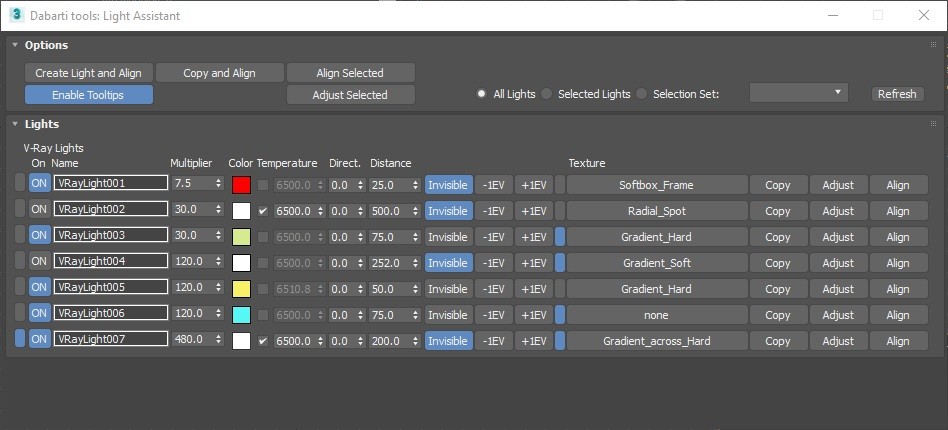
Light Assistant helps with aligning reflections and adjusting the parameters of V-Ray lights.
Main features:
- Interactively ALIGN lights reflection directly on the geometry. Hold shift for “Rim Light Mode”.
- Interactively change light distance, size and rotation in ADJUST mode..
- Quickly control V-Ray Light properties with “Light Lister” like interface.
- Adjust light intensity using Exposure Value (EV).
- Align and Adjust modes work well with some non V-Ray lights.
- 10 Softbox presets in material library included.
- Designed to work perfectly with V-Ray GPU (RT)
- Added Corona Support
V-Ray
Corona
Download : Dabarti_Light_Assistant_v0.901 (24th November 2017)
(Please link directly to this page as the tool gets constant updates this version will be outdated in near future.)
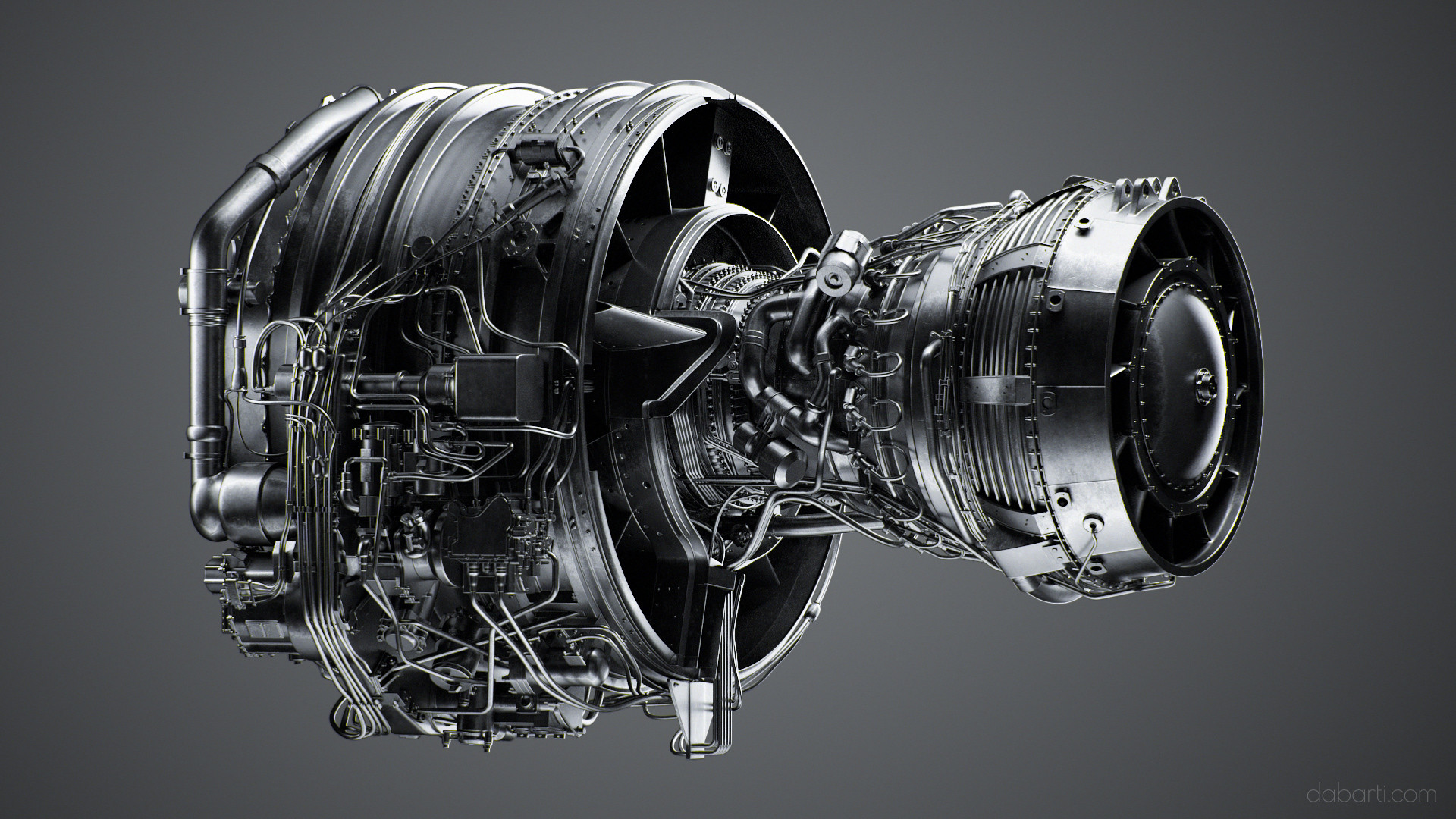
Rendered with help of Light Assistant:
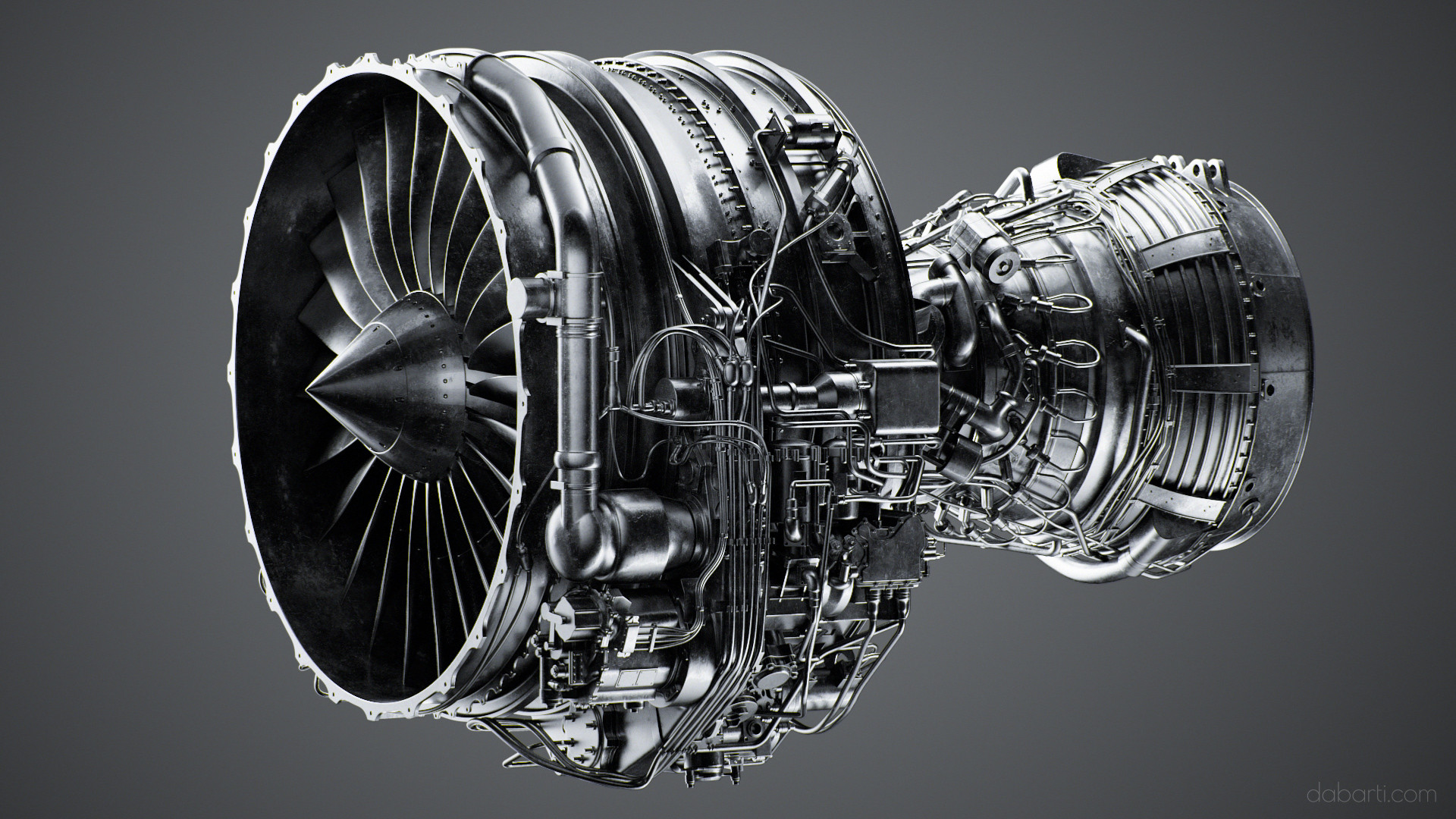
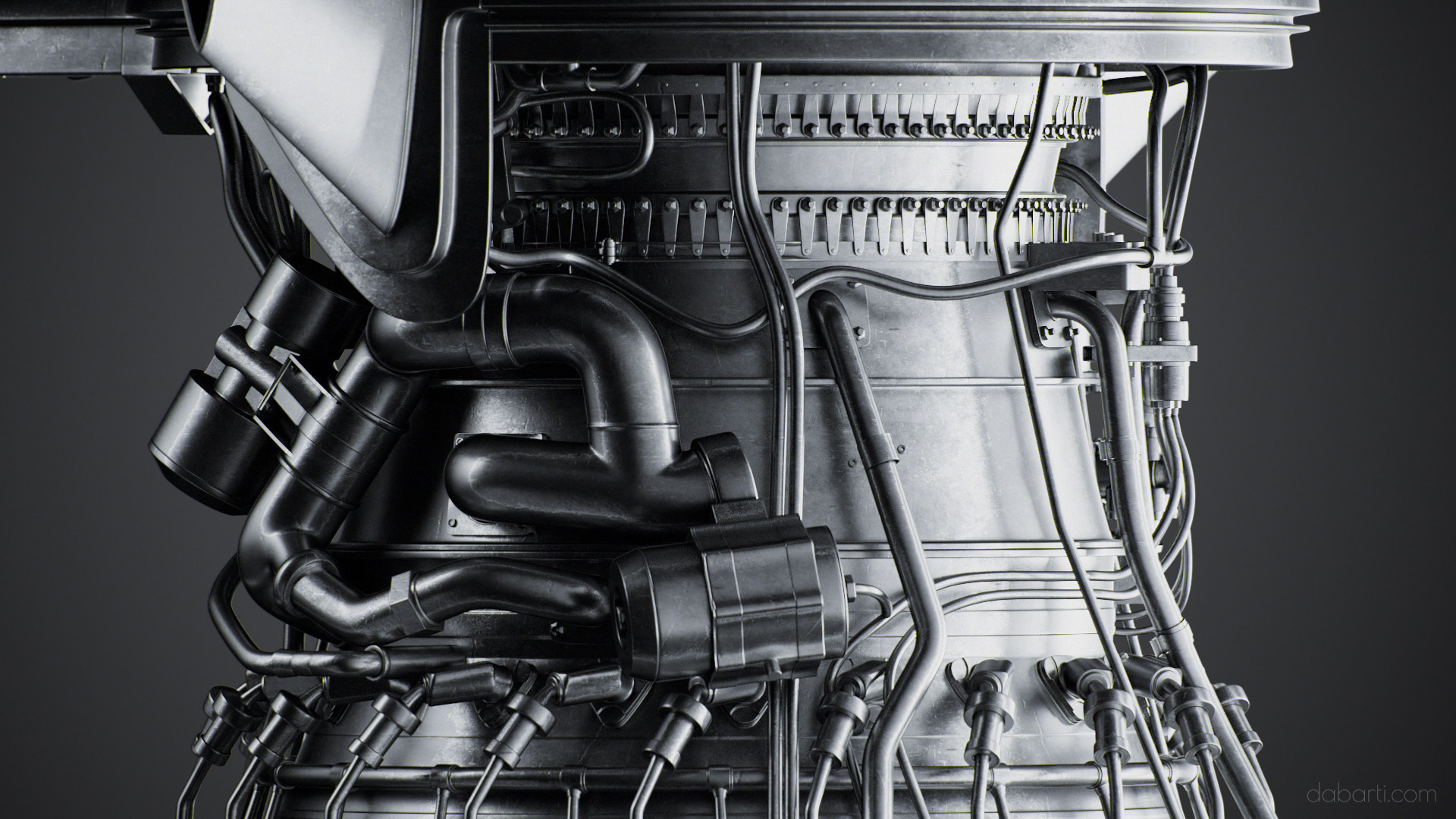
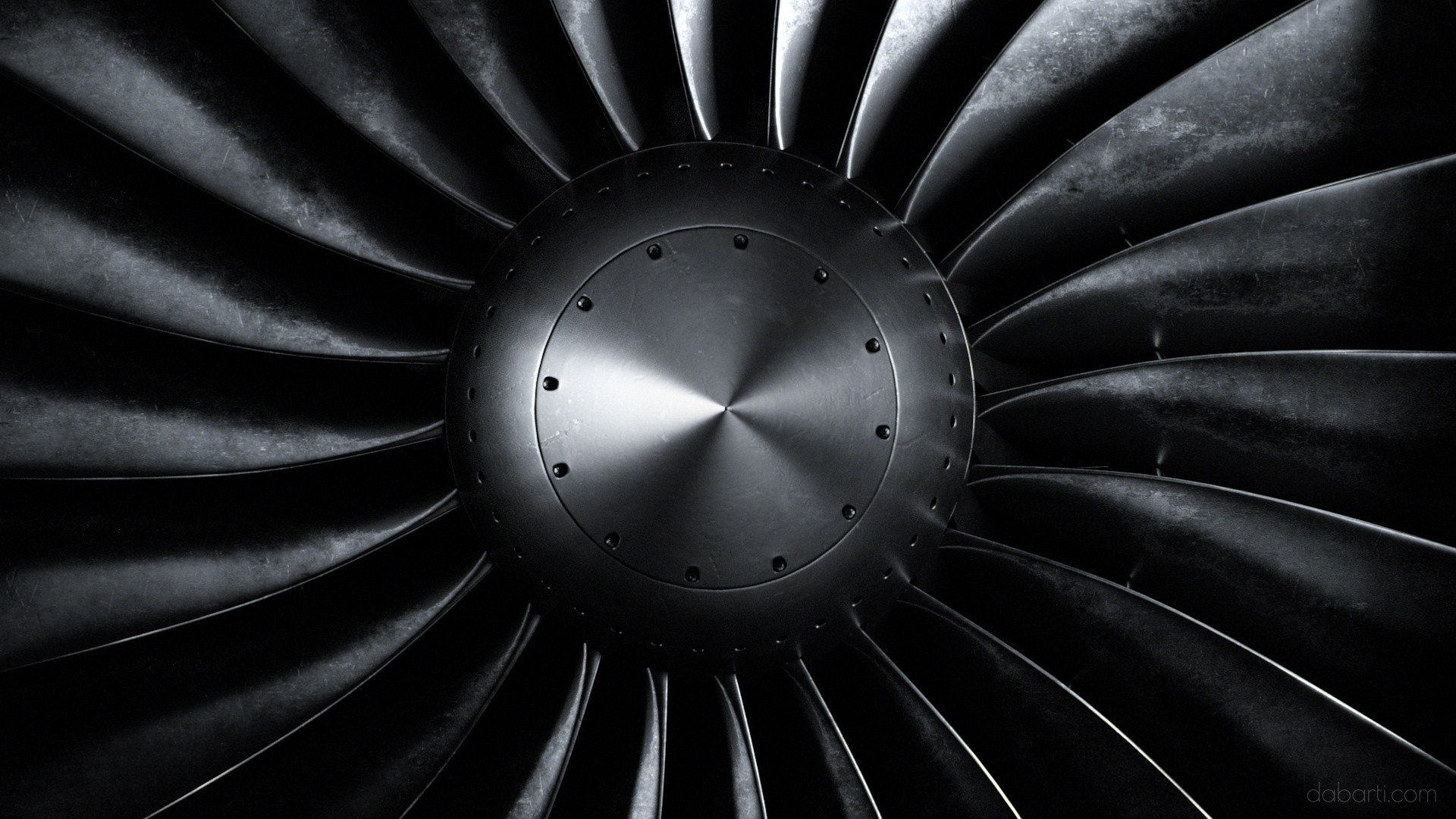
More on Behance: Jet Engine Episode 1
Videotutorial ( Recorded lightning session of helmet): https://www.youtube.com/watch?v=IHKC9SpdGP8
Older version quick look video: https://vimeo.com/189384214
Chaosgroup V-Ray is required to use this tool and it’s best to use with V-Ray GPU in ActiveShade (interactive) mode.
Light assistant was developed for in-house use at Dabarti and released for free to general public. We’re using only V-Ray in our pipeline so at this stage there are no plans to fully support any other renderers.
====================================== INSTALLATION INSTRUCTION: ======================================
To install and use the script:
1. Drop file Dabarti_Light_Assistant_####.mzp into 3ds max Viewport OR Run it from menu MAXScript>>Run file…
2. After installation you should assign shortcut under Customize >> Customize User Interface >> Keyboard >> Category >> Dabarti >> Light Assistant OR create toolbar under Customize >> Customize User Interface >> Toolbars >> Category >> Dabarti >> Light Assistant
3. Video instructions: https://www.youtube.com/watch?v=1AYF9sHwaNg
====================================== CHANGELOG: ======================================
v0.901 [Bug Fixes] (*) Fixed Corona non target lights crash.
v0.900 [Bug Fixes] (*) Added Corona Support
v0.803 [Bug Fixes] (*) Fixed crash when VRaySun light is present in the scene.
v0.802 New Features (*) Ability to change texture map of the light. (*) Added softboxes presets that will be copied to local matlibs folder and can be loaded from maps browser. (works only in 2017, may be updated for older builds)
Modified Features (*) Right click on EV buttons for double the effect.
Bug fixes (*) Crash when trying to revert light (ON) state when new light was added.
v0.601: New Features: (*) Added “Enable Tooltips” button switches on display of shortcuts tooltips while in Align or Adjust mode. (*) New Adjust mode. Allows interactive adjustment of distance, size, rotation around target and local rotation of the light. (*) Added Adjust Selected button. (*) Added ON button with right click funtion to switch off all other lights. Right clicking again will restore their previous state. (*) New Align mode: CTRL – align light to world normal with snap. (*) Align Selected and Adjust Selected should work with some other lights that can be targeted.
Modified Features: (*) Scaling light is moved from Align mode to Adjust mode.
v0.302: New Features (*) First Version released to public. (*) Ability to align VRayLights based on viewport or camera position. Doesn’t work in orthographic view. (*) While in Align mode press SHIFT for rimlight mode. (*) While in Align mode press CTRL (or ALT+CTRL) and move mouse to scale the light. (*) Added ability create new VRayLight and align. (*) Added ability copy selected light and align. (*) Added ability align selected light. (*) Added ability adjust light distance from the target. (*) Added ability adjust light multiplier using +- 1 Exposure Value (EV) (*) Added ability adjust Directionality of the light. (Works in the newest builds of V-Ray GPU (V-Ray 3.5))