
← Articles
Dabarti Capture 1.0.1
Our photometric stereo tool now has a Windows interface, visual calibration tools and batch processing.
By Tomasz Wyszołmirski2 min read
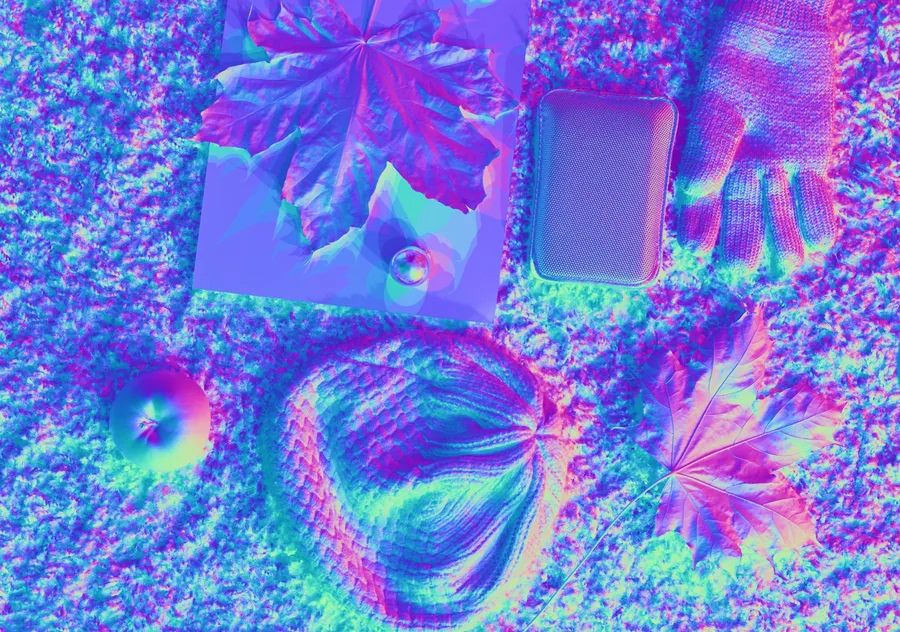
We first released Dabarti Capture in 2017 as a command-line tool. With version 1.0.1, you can prepare and process your scans in a new Windows interface, without using the command line.
The setup is the same: keep the camera fixed, move one light between photographs and include a reflective sphere for calibration. Capture turns those photographs into normal, albedo and displacement maps. Everything is processed on your computer.
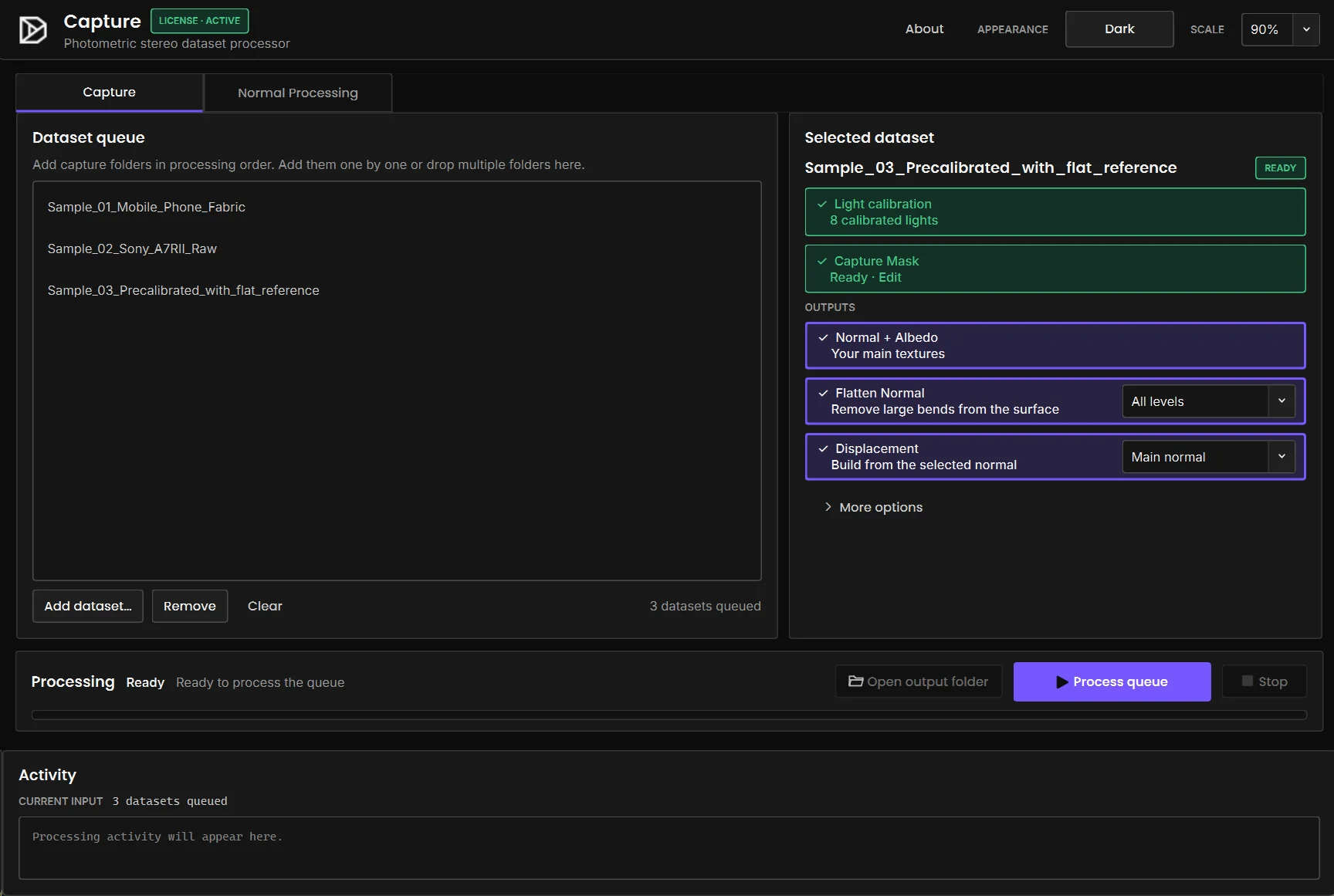
What's new
- New graphical interface
- Visual sphere selection and per-light calibration
- Batch processing for multiple datasets
- Capture-area masks and simpler licence management
Download Capture
Download the signed Windows installer. Demo mode limits output to 1,024 px and one third of the source image size.