
콘셉트 스케치를 위한 Alchemy 활용법
완성된 그림보다 초기 아이디어와 실루엣을 빠르게 찾는 데 초점을 둔 오픈 드로잉 도구 Alchemy의 사용법입니다.
What is Alchemy ?
Alchemy is an open drawing project that is perfect for initial sketching needs. It’s not meant for creating finished artworks but as foundation for something bigger and greater it’s best tool you can have and it’s FREE.
Find more on the project’s website http://al.chemy.org/ .
The Process.
I wasn’t sure where I was going for with this sketch so I started with making some quick and intuitive shapes. This helps a lot in finding cool composition and directions.
The two keyboard shortcuts I use most often are ‘X’ for swapping foreground / background color and ‘S’ for Style. That’s enough for making quick sketches as it includes filling areas black or white using tool similar to lasso and you can use it for making freehand lines. It’s more than enough for basic sketching.
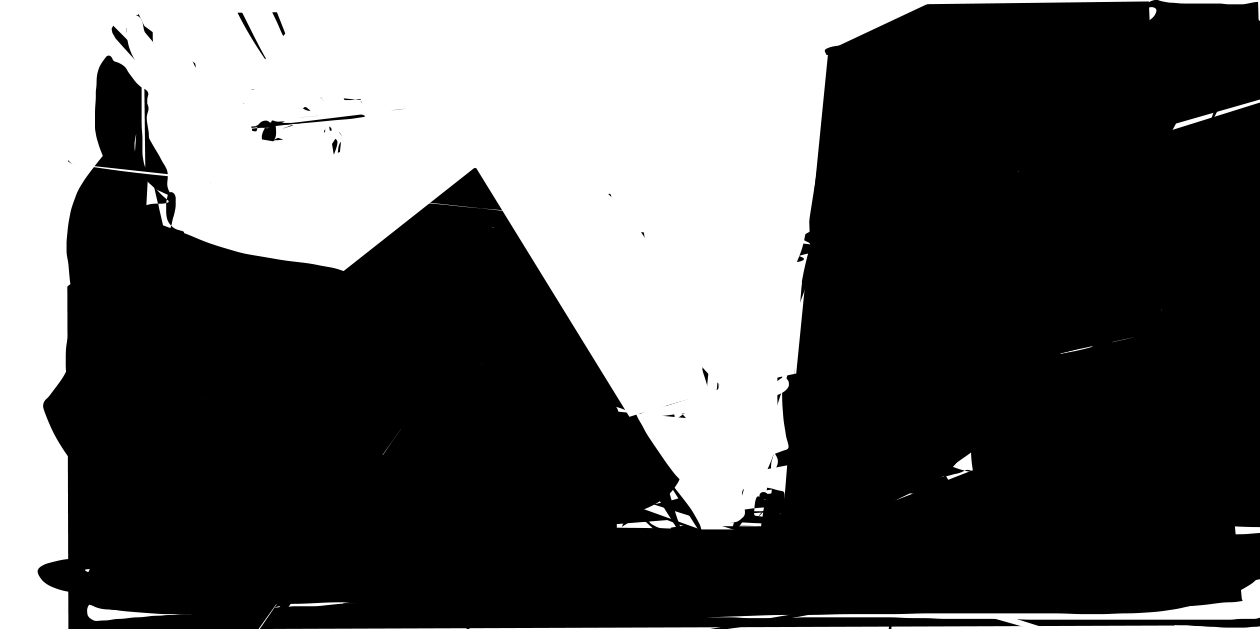
In this sketch I’m turning abstract shapes into architectural forms to grasp space and light.
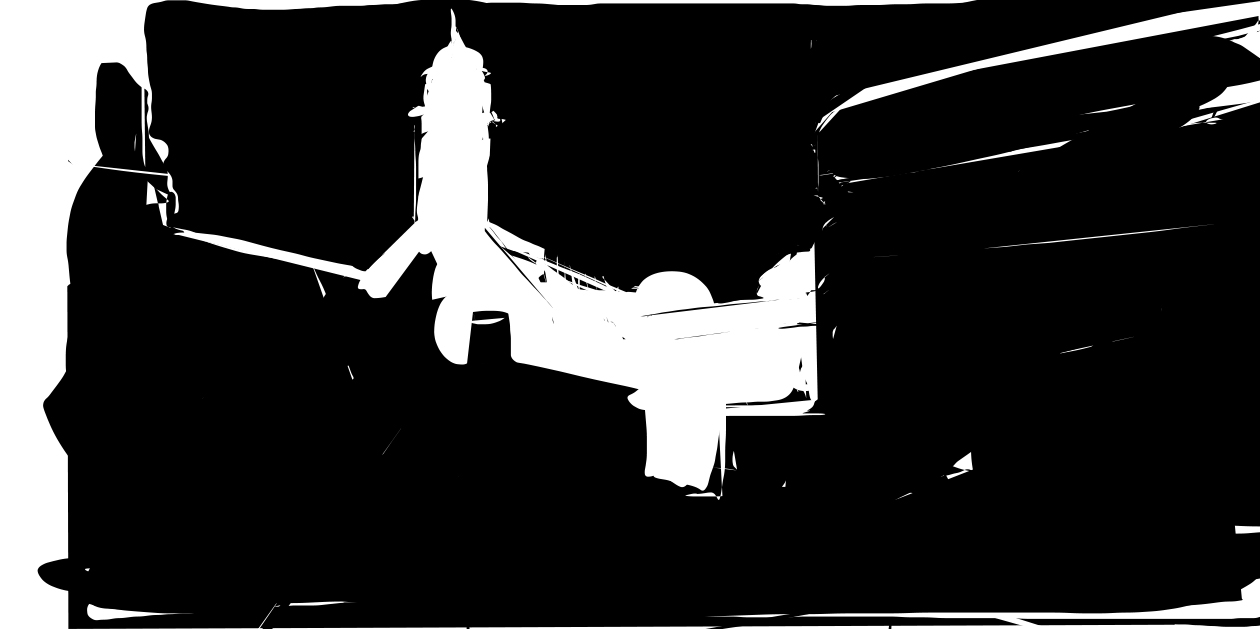
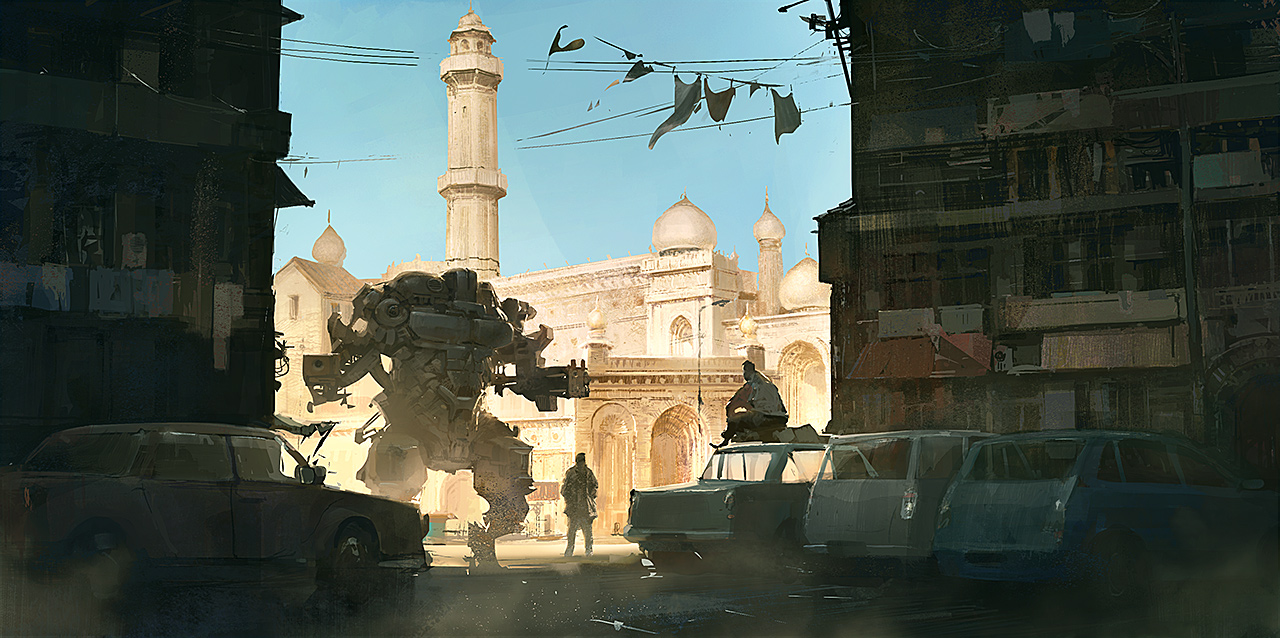
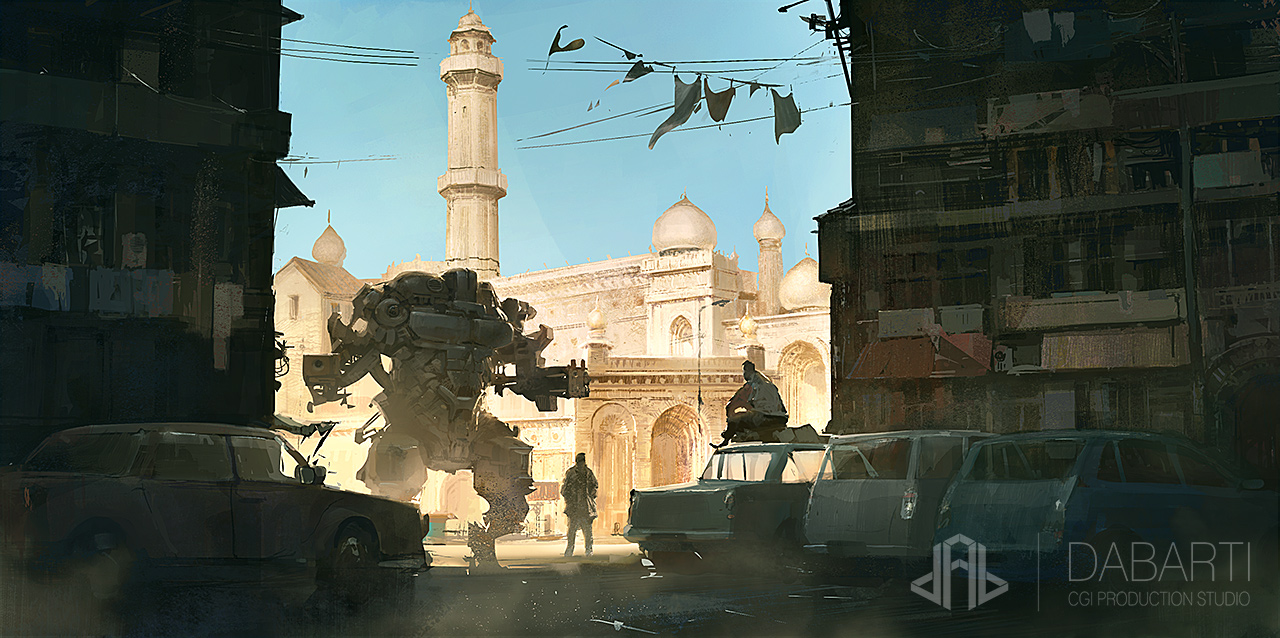
I decided to use references from Indian architecture and mix it with sci-fi so there must also be a mech 😉
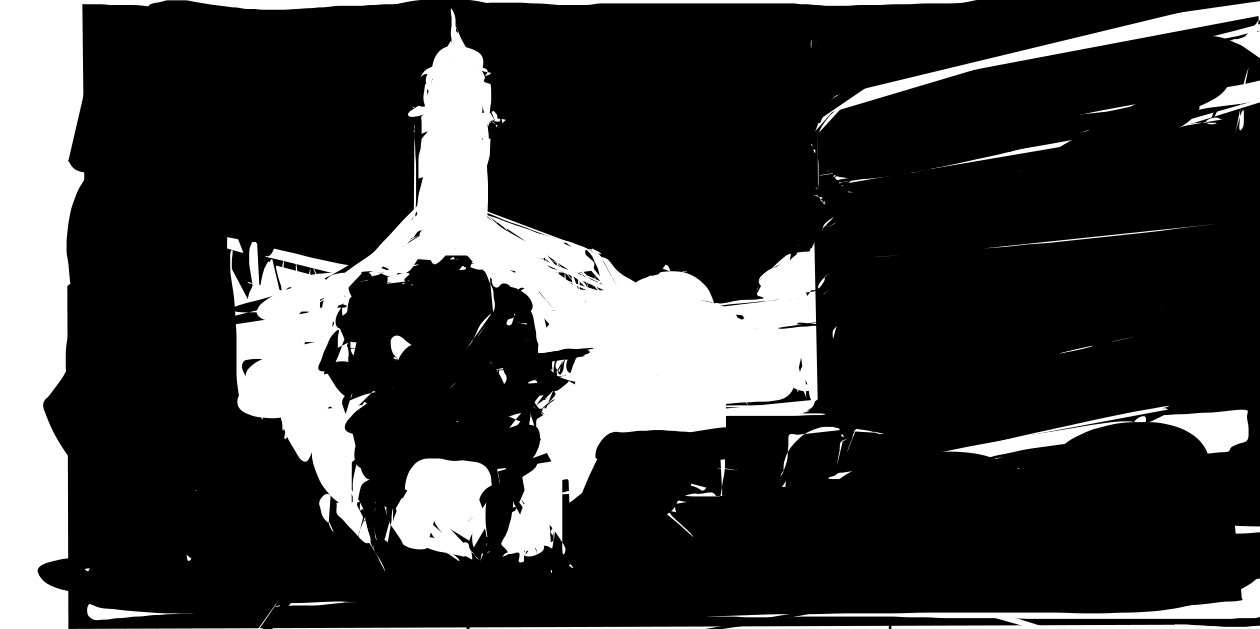
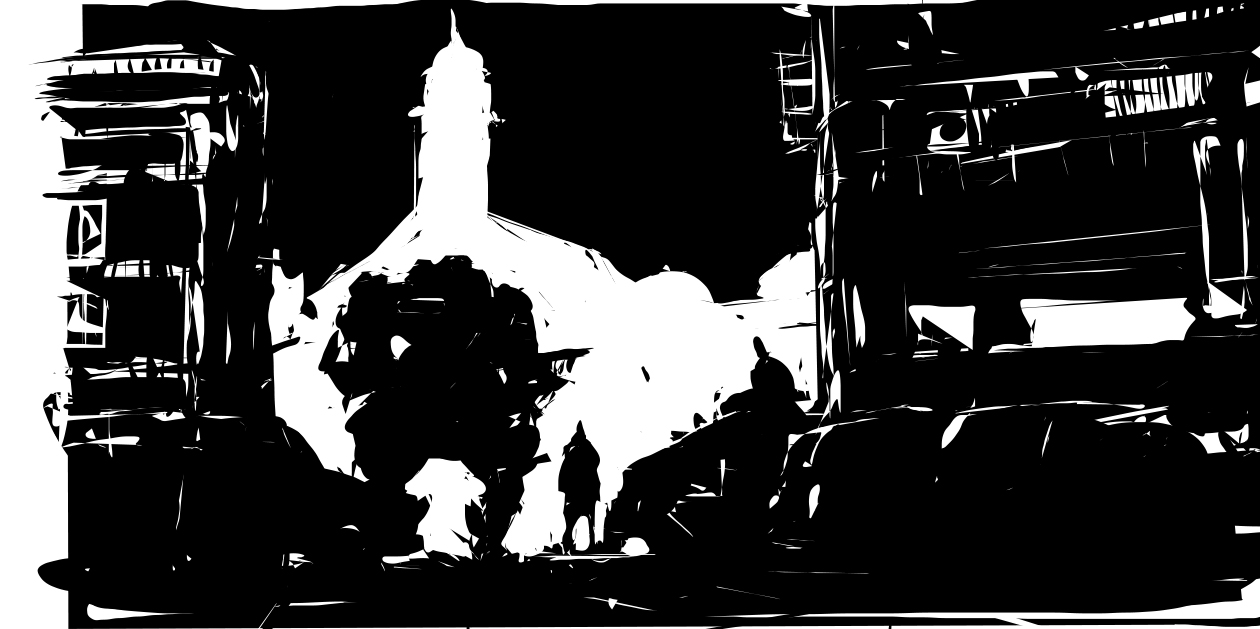
I’m adding some details and when it’s finished, I can use Photoshop to turn it into mood picture or illustration.
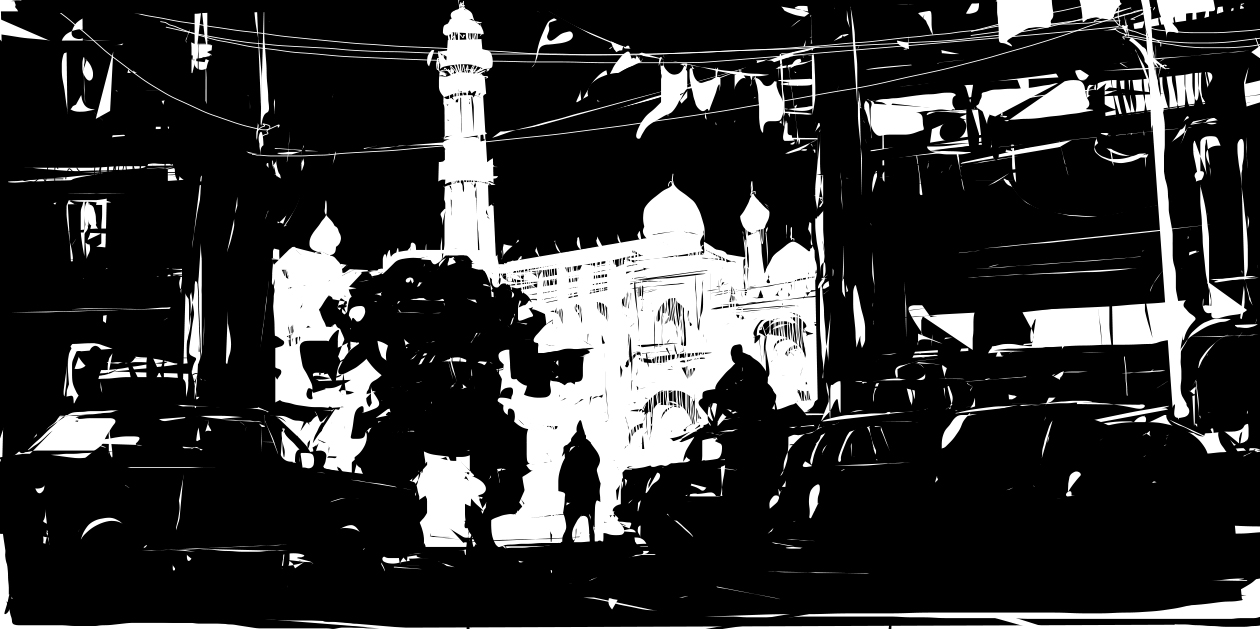
Alchemy offers a lot of tools that make finding forms easier. And even if you use only basic Style tool, the work is so quick and intuitive that the whole process of searching the idea is pure pleasure.
Finishing.
Watch finishing of the sketch in Photoshop:
Other Examples.
Before I will walk you through the creation process let me show you two videos. In the first one you can see time-lapse sketching inside Alchemy. It’s great for finding forms and composition.
And here is another project we did where Alchemy was used for initial sketch: